Built with Rust

Your keys.
One vault.
Every project.

The open-source API key manager and developer secrets CLI. Encrypted local vault, per-project isolation, kf run runtime injection, and MCP integration for Claude & Cursor. The dotenv alternative that actually scales.

keyflow — zsh
█

See it in action

Real terminal output. No mockups.

$ kf list
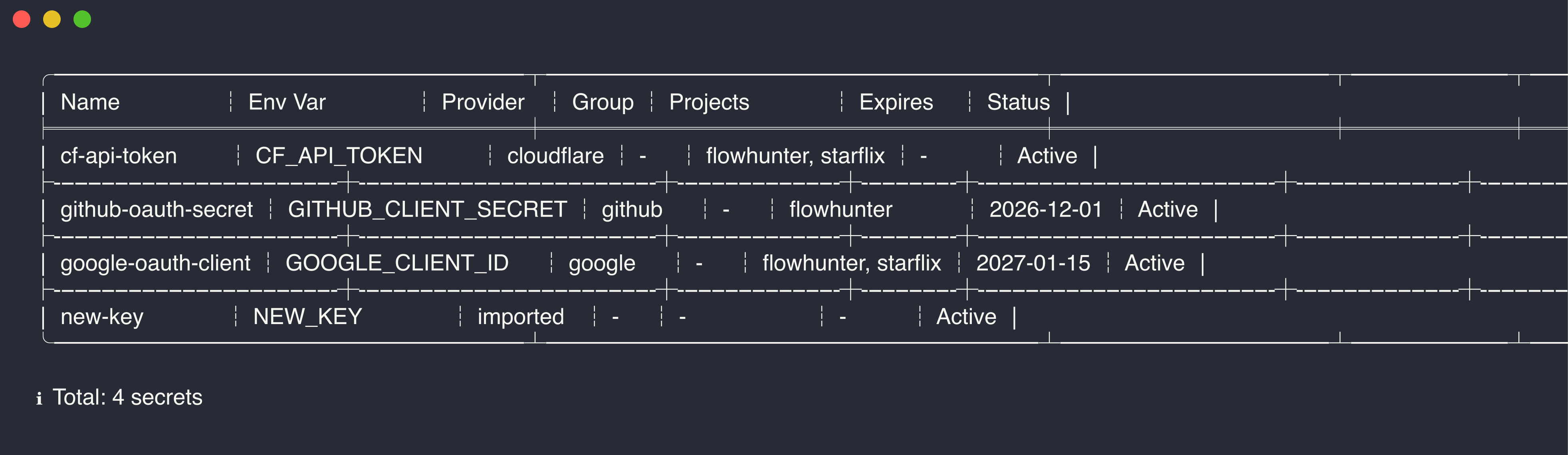
KeyFlow list command showing all stored keys with provider and project metadata
$ kf search
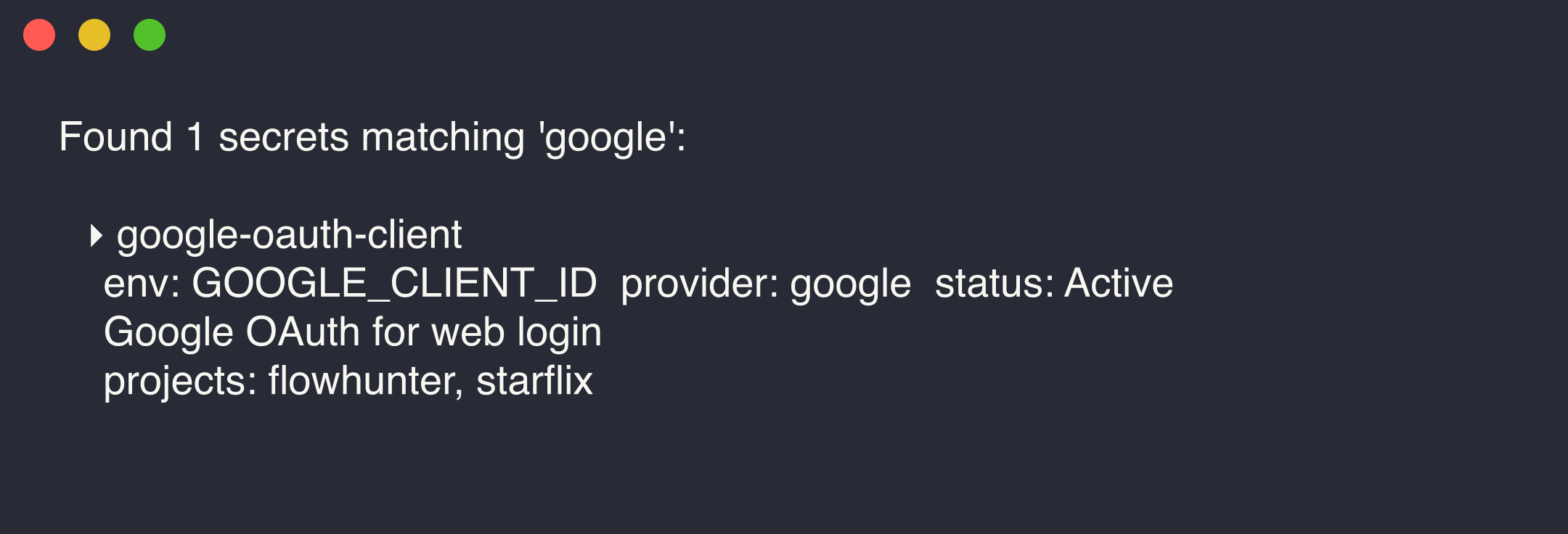
KeyFlow search command with fuzzy matching results
$ kf health
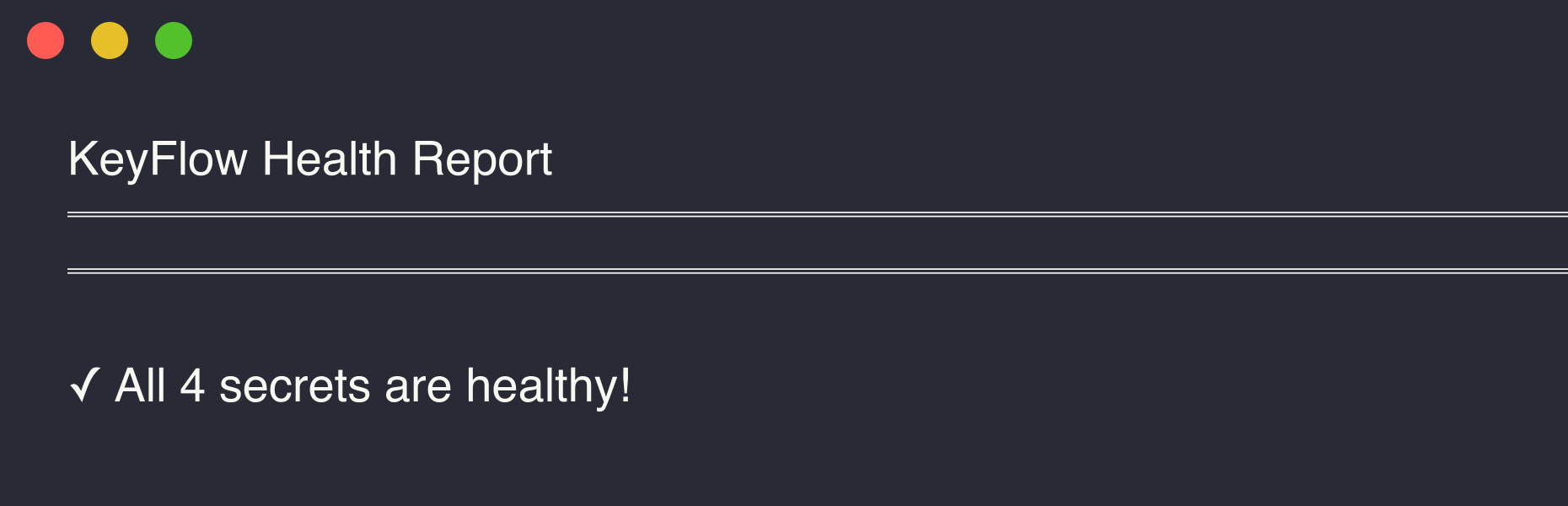
KeyFlow health check showing key hygiene status and recommendations

Everything your keys need

One tool replaces scattered .env files, password managers, and sticky notes. Encrypted, searchable, project-aware.

Store & Search

Encrypted API key storage with fuzzy search across provider, project, and description. Auto-detects 20+ providers. Replaces scattered .env files with a single searchable vault.

$ kf add OPENAI_API_KEY sk-xxx --provider openai
✓ Stored OPENAI_API_KEY (openai)

$ kf search resend
Found 1 match: RESEND_API_KEY (resend)

Per-Project Keys

Same env var, different values per project. Inject the right keys automatically with kf run.

$ kf add DATABASE_URL postgres://dev:5432 --projects dev-app
$ kf add DATABASE_URL postgres://prod:5432 --projects prod-app

$ kf run --project dev-app -- npm start
✓ Injected 12 keys into dev-app

Cloud Sync

End-to-end encrypted sync across machines. The server never sees plaintext. Deploy your own sync worker to Cloudflare.

$ kf sync init
✓ Registered and bound to cloud

$ kf sync push
✓ Pushed 47 keys (E2E encrypted)

AES-256-GCM · Argon2 · Local-First

Encrypted key storage with Argon2 key derivation. Runtime injection means plaintext never touches disk. Lock your vault instantly — your secrets never leave your machine.

# Secrets injected at runtime, never written to disk
$ kf run --project myapp -- npm start

# Lock vault instantly
$ kf lock
✓ Vault locked. Passphrase cleared.
MCP Compatible

AI reads your vault.
Never your secrets.

Built-in MCP server exposes metadata only — name, provider, project, status. Your AI coding assistant discovers and uses keys without ever seeing the secret value.

  • One command: kf setup claude
  • Works with Claude, Cursor, Windsurf, Gemini, Codex, Zed, and more
  • 10 tools: discover, inspect, reuse, maintain
MCP setup
$ kf setup claude
✓ MCP configured for Claude Code

# Your AI assistant now has access to:
• search_keys — find keys by keyword
• get_key_info — metadata (never plaintext)
• list_projects — discover project scopes
• check_health — vault hygiene report
• get_env_snippet — masked .env for project

# Or configure manually:
{
  "mcpServers": {
    "keyflow": {
      "command": "kf",
      "args": ["serve"]
    }
  }
}

Get started in seconds

Pick your install method. Then kf init to create your vault.

Homebrew (recommended)
$ brew tap nianyi778/keyflow && brew install keyflow
Cargo (from source)
$ cargo install --git https://github.com/nianyi778/keyflow
Quickstart
$ kf init                                # Create vault
$ kf add OPENAI_API_KEY sk-xxx --provider openai  # Store a key
$ kf search openai                        # Find it fast
$ kf run --project myapp -- npm start       # Inject & run